

Pull a short from the live tile.
Set the length, hit Clip, and the file lands in your library while the stream stays up.
Clip length
0:150:451:303:00
From the stream
0:15
Harbor reactionHarbor Night1:30
Twitch · Kick · YouTube
Watch Twitch, Kick, and YouTube in one grid. Set a clip from 10 seconds to 5 minutes, add captions, and schedule it to TikTok, Reels, Shorts, and Facebook.
3 days free. Then $15 a month.


The app
Set the length, caption the cut, and schedule TikTok, Reels, Shorts, and Facebook.
Free in the browser: Video to TikTok, Video to Reels, Video to Shorts, and Resize video.
Set the length, hit Clip, and the file lands in your library while the stream stays up.
Clip length
From the stream
0:15
The 9:16 frame and the captions stay on the file for TikTok, Reels, Shorts, and Facebook.
TikTokInstagramYouTubeFacebookQueue each feed from the same cut. It publishes at the time you set.
November, 2026
TodayTikTok · Reels9:15pMultiview
Twitch, Kick, and YouTube sit in one split, with Twitch and Kick exclusive events in the grid. The loud tile takes the audio so you clip the moment.
How Multiview works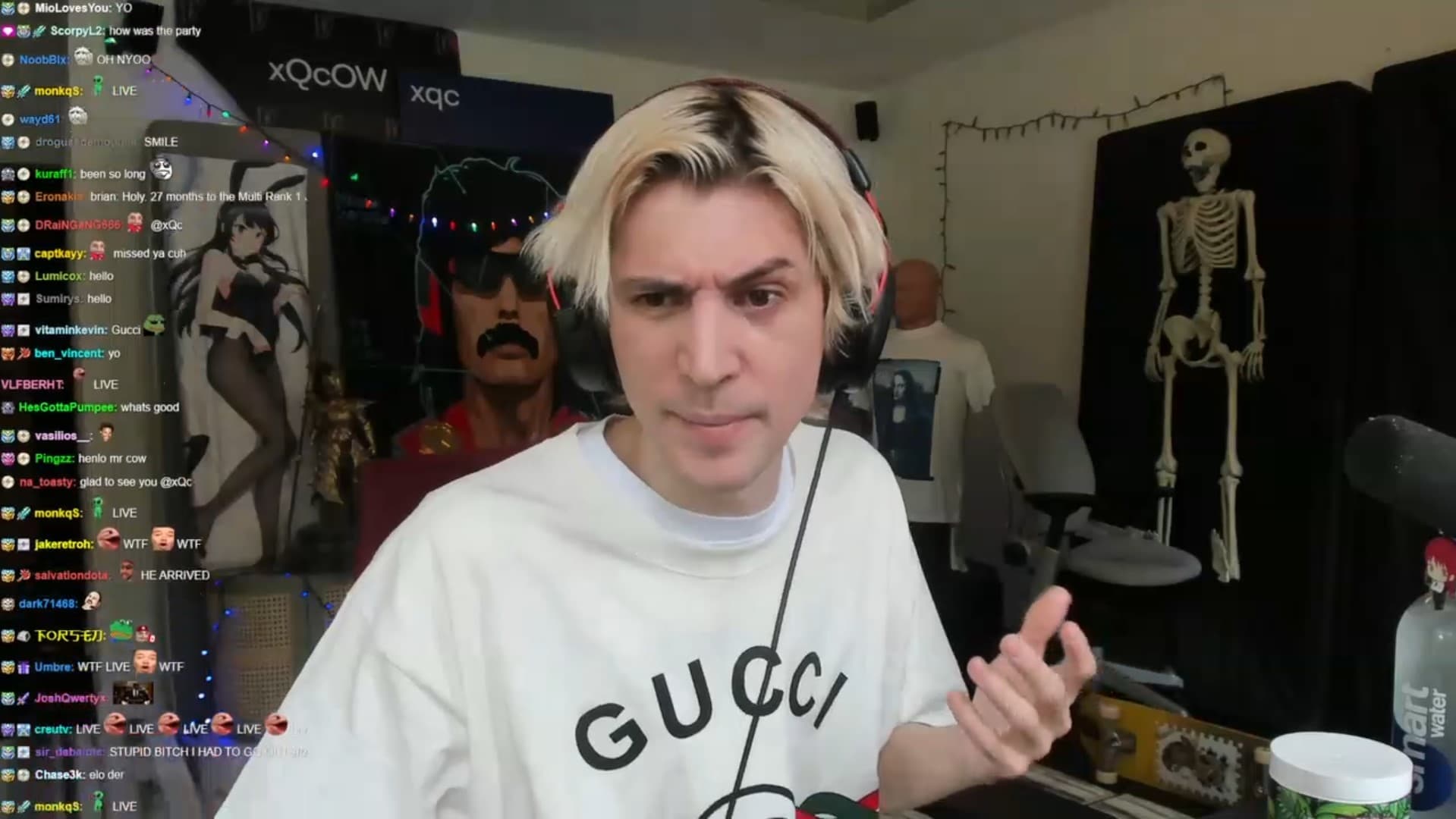 xQcAudio
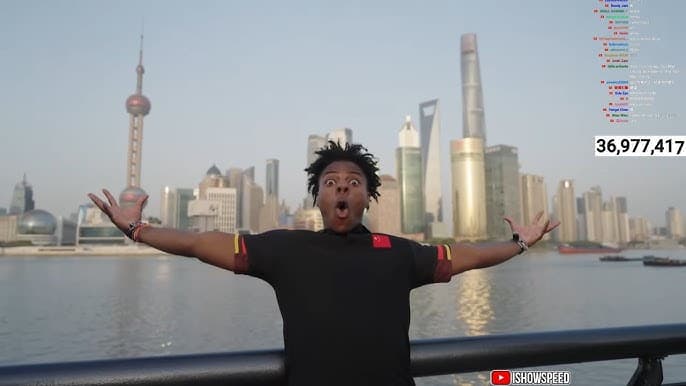
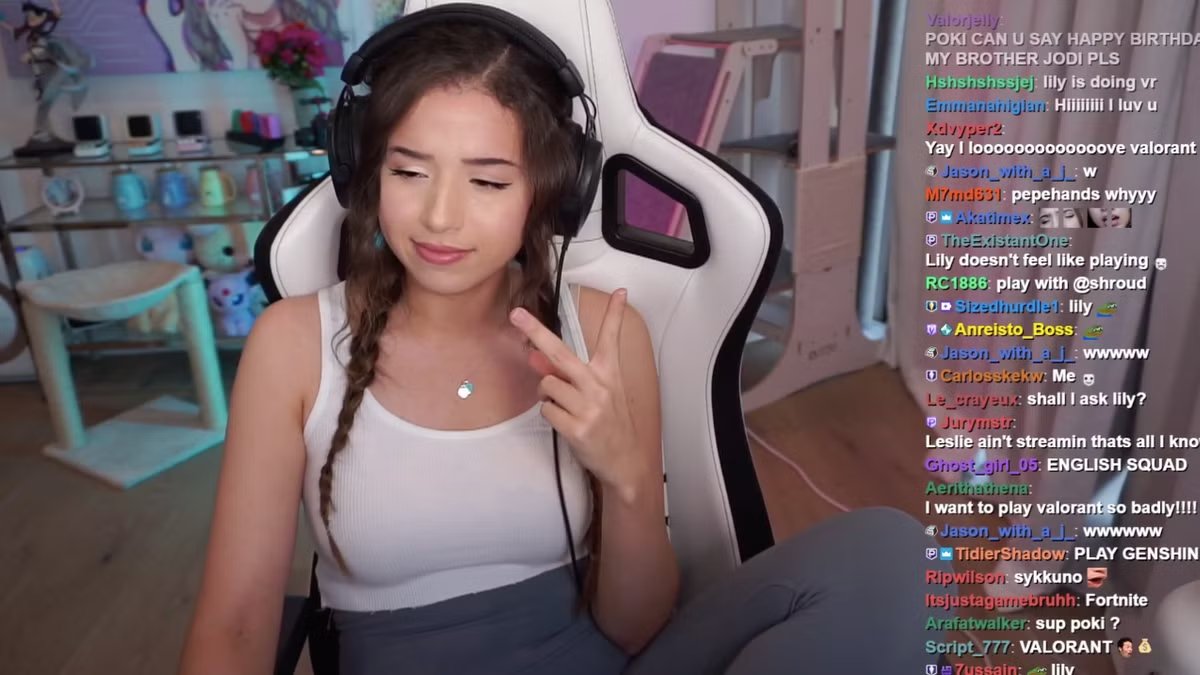
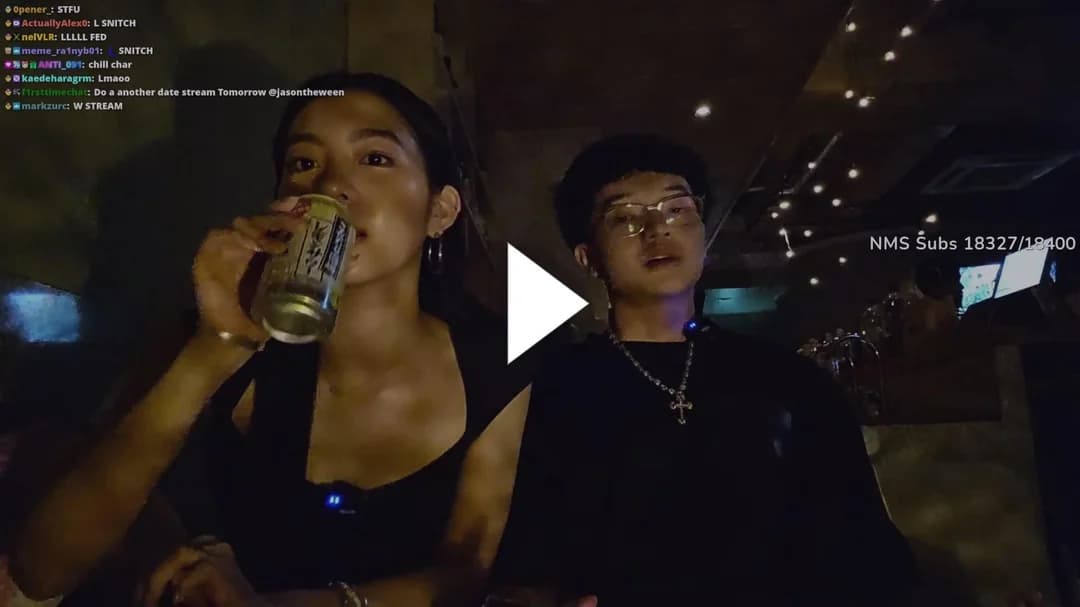

The big tile takes the audio. The other three stay up, so you do not lose the room.
A small tile moves into the big slot. The one that was big drops into the stack.
Twitch and Kick events sit in the same split as the regular streams.
Hit Clip on the tile that has the sound. The rest of the grid stays up.
Where it posts
Schedule that cut to TikTok, Reels, Shorts, and Facebook. Each post keeps the frame and its own caption.
TikTok. 9:16, captions onInstagram. Reels from the same cutYouTube. Shorts, aspect lockedFacebook. The page you connectedThe cut
Ready to post
9:16 · captions on
Going out
TikTok9:15pReels9:15pShorts9:20pFacebook9:40pSame file
One clock
Four feeds leave from the cut you just made.
A streamer opens the campaign and sets the pool. You post the short on your account and submit that link. The campaign tracks the views.
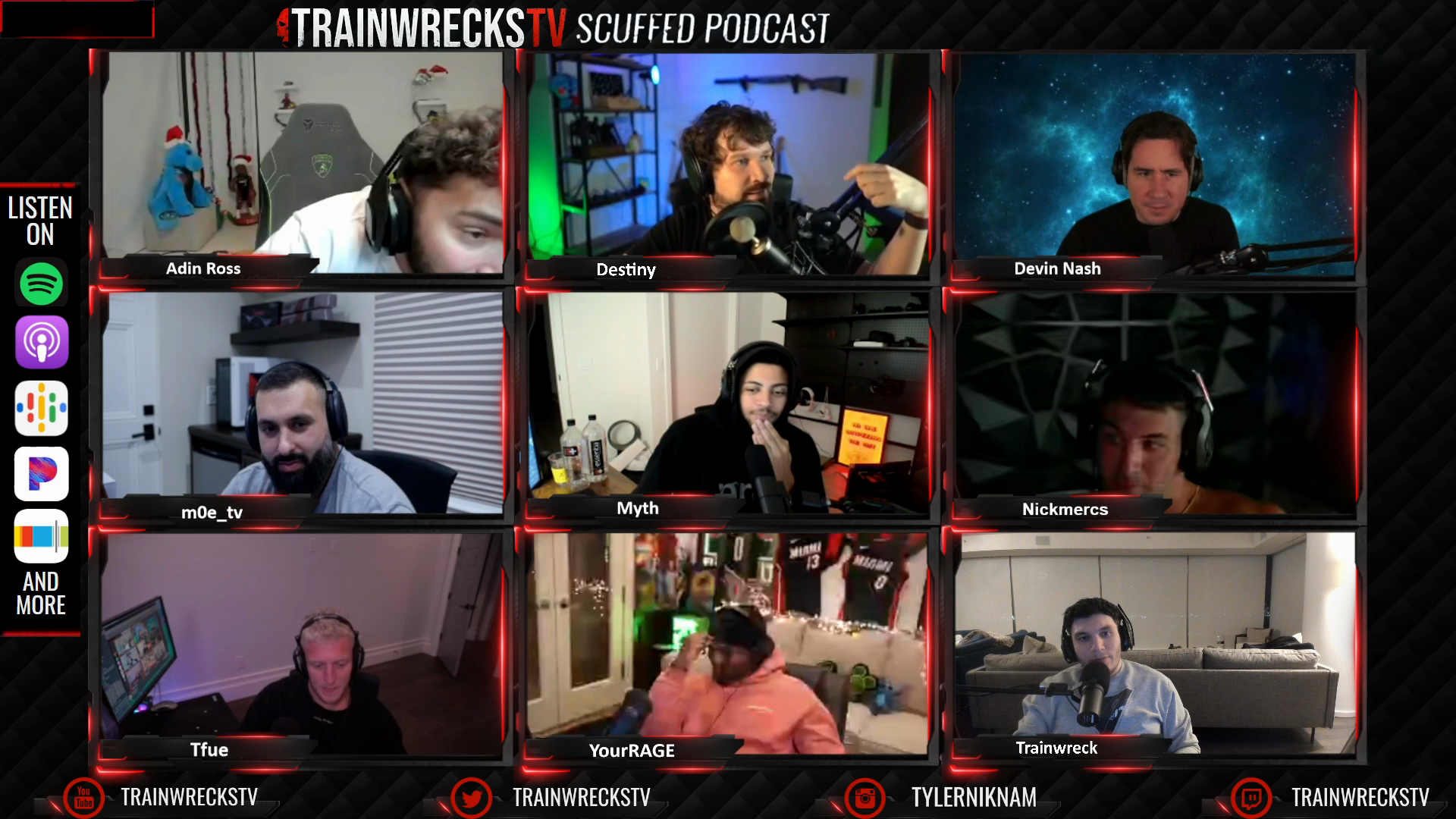
Trainwrecks· 2d
Trainwrecks night circuit
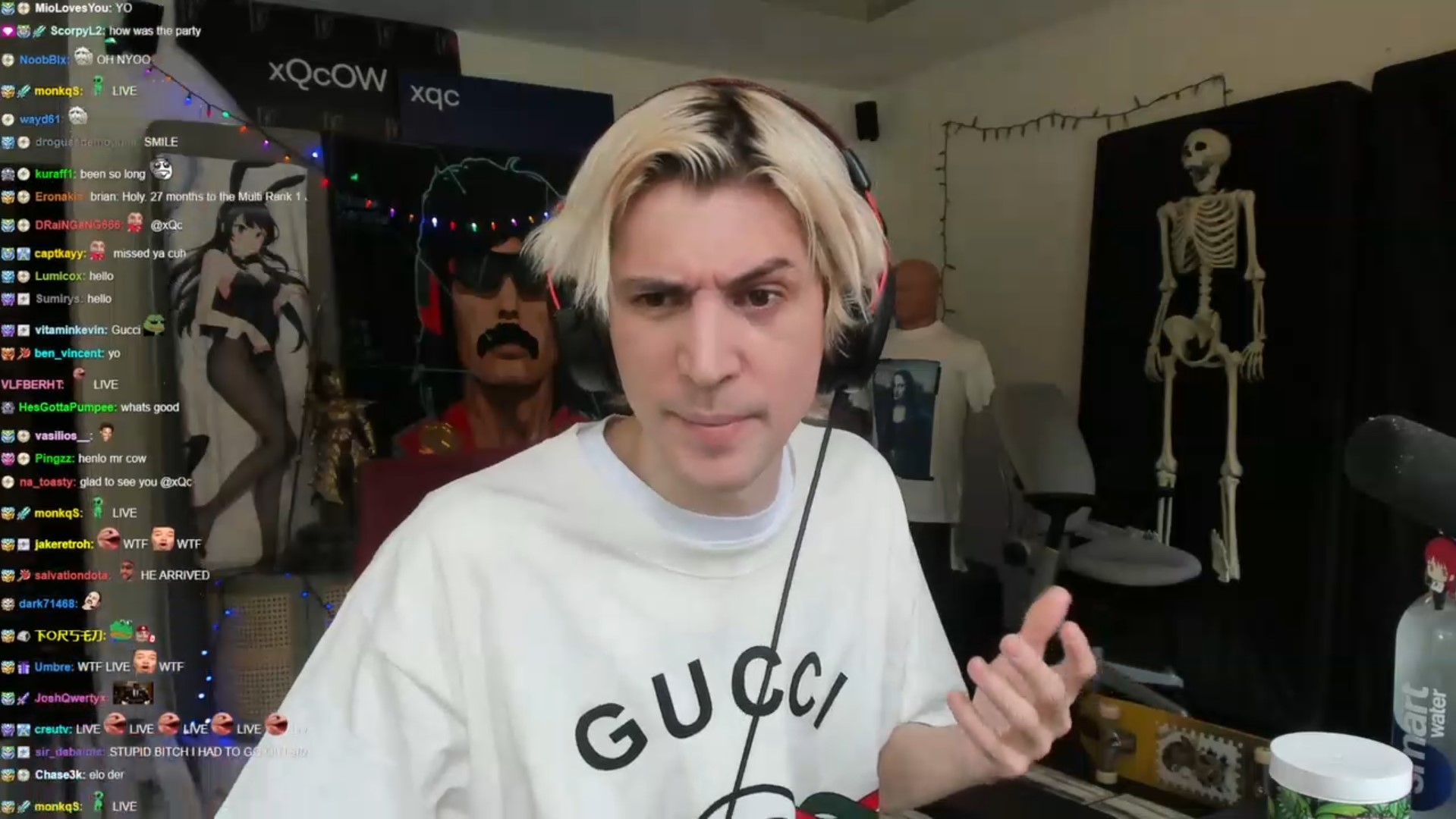
xQc· 1w
xQc floor
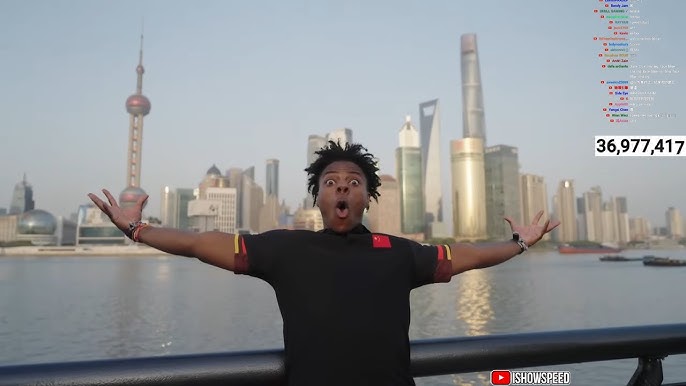
IShowSpeed· 5d
IShowSpeed launch week
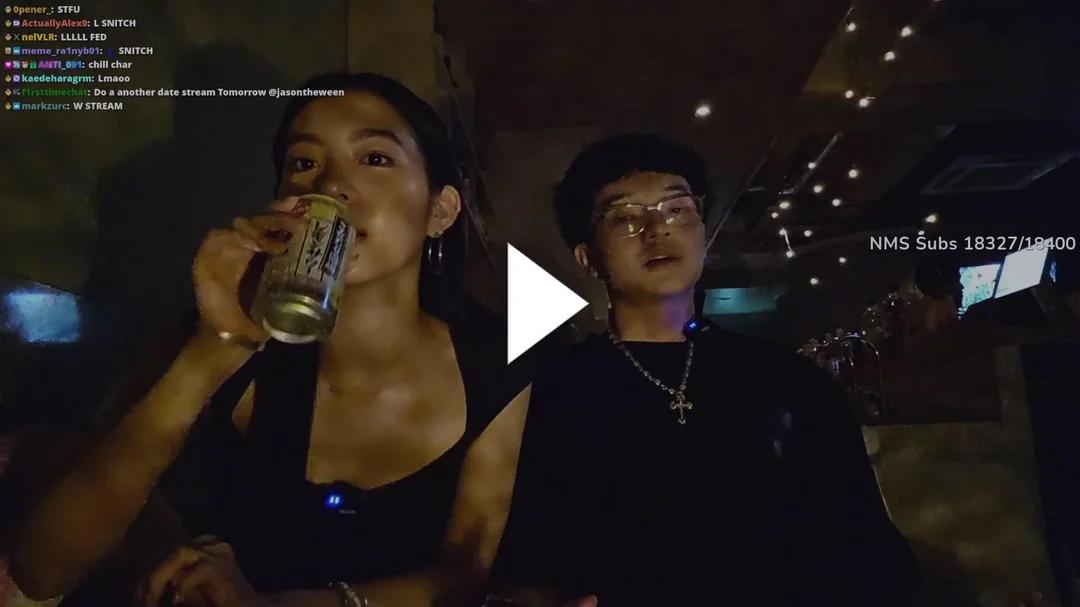
JasonTheWeen· 4w
JasonTheWeen clips

Block Yard· 2w
Ring Run 2

Clip Farm· 3w
Solved Hour with Mara
Block Yard· 2w
Pet Sim floor
Reach North· 2d
XCrossing Night
Trainwrecks· 2d
Trainwrecks night circuit
xQc· 1w
xQc floor
IShowSpeed· 5d
IShowSpeed launch week
JasonTheWeen· 4w
JasonTheWeen clips
Block Yard· 2w
Ring Run 2
Clip Farm· 3w
Solved Hour with Mara
Block Yard· 2w
Pet Sim floor
Reach North· 2d
XCrossing Night
01
Open campaigns list the pool, the platforms, and who is hosting. Pick the one that fits the stream you are already watching.
02
Drop the cut into that campaign. The views on the post are tracked for you.
03
If a streamer runs a campaign, that campaign pays on the views you post into it. Reel Clips is the software.
Editor
Open a clip from your library, or upload an MP4 or WebM. The timeline lays the cut out as a filmstrip of frames, and captions sit on their own track. Layouts frame the picture, and a template stores that layout with the caption look and the effects.
Layouts are TikTok Crop, Blur Fill, Center Fit, and a Reaction split, in 9:16, 16:9, or 1:1. Export writes the render to a file and can send that same render to a connected account. The watermark stays on unless you turn it off.
Analytics
The screen lists views on the clips you posted, payouts a campaign recorded, and how long you watched. The layout below is a sample.
Views
Sample layout
TikTokReelsShortsFacebookPosted views, rolled up from every feed.
TikTok, Reels, Shorts, and Facebook show up on the views for the clips you posted. This card is a sample of that screen.
Revenue
SamplePayouts
A campaign records these. Reel Clips does not pay them.
Clips
Sample
Clips you posted, listed by feed
TikTok
Last post 9:15p
Sample
Reels
Last post 9:15p
Sample
Shorts
Last post 9:20p
Sample
Last post 9:40p
Sample
Publish
One row publishes and then reads as published. The next processes, then it is scheduled.
The gasp
cedar.clips · Publishing to TikTok
0:42
Guest walks it back
harbor.reels · Scheduled for 9:15p
0:28

Chat spike
maple.cuts · Published to Shorts
0:35
Three cuts from the queue.
Blog
Three guides on the live tile, Multiview audio, and captions timed to the line.
All postsFree stays free. Reel Clips is $15 a month after a 3-day trial. You are not charged until the trial ends.
$0/mo
A signed-in account with no subscription.
$15/mo
The paid plan. A 3-day trial, then $15 a month.
Need help?
How Multiview, posting, campaigns, analytics, and the 3-day trial work.
Start your 3-day trial.
Clip tonight. Reel Clips is $15 a month if you stay.

